

AI Bookkeeper for QuickBooks & Xero
Connect Booke AI to your accounting workflow, automate bank feed categorization, match documents, and review exceptions before reconciliation.



Why Firms Switch From AI Tools to an AI Team Member

More Than Categorization:
Smart Document Matching
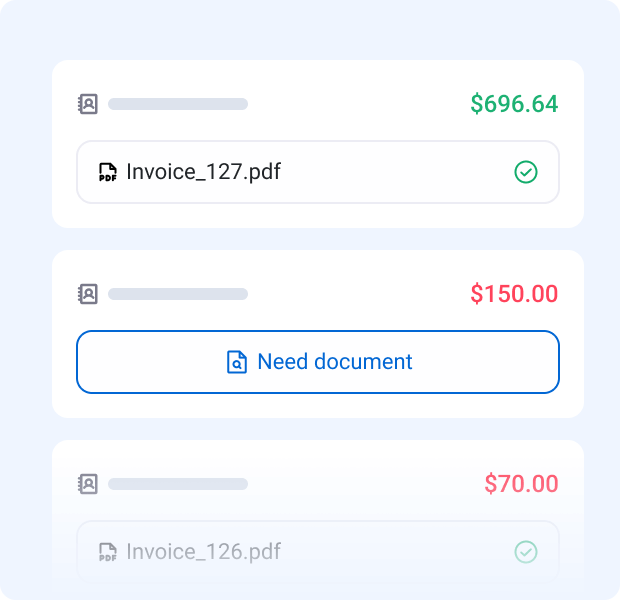
AI Bookkeeper doesn't just pick categories. It matches transactions to your invoices, bills, and receipts — automatically.
How Accounting Firms Use Booke AI
No Stress Accounting
No Stress Accounting is a Los Angeles accounting and advisory firm that uses Booke to ask clients about transactions.
“we don’t need to chase our clients anymore”CEO, No Stress Accounting
Read the full No Stress Accounting storyKustov & Associates
Booke is used daily at Kustov & Associates, where client questions about transactions and written support take time.
“We use it everyday in our CPA practice. It’s very efficient”CEO, Kustov & Associates
Read the full Kustov & Associates story
Automate Up to 80% of Manual Bank Feed Work in QuickBooks Online and Xero
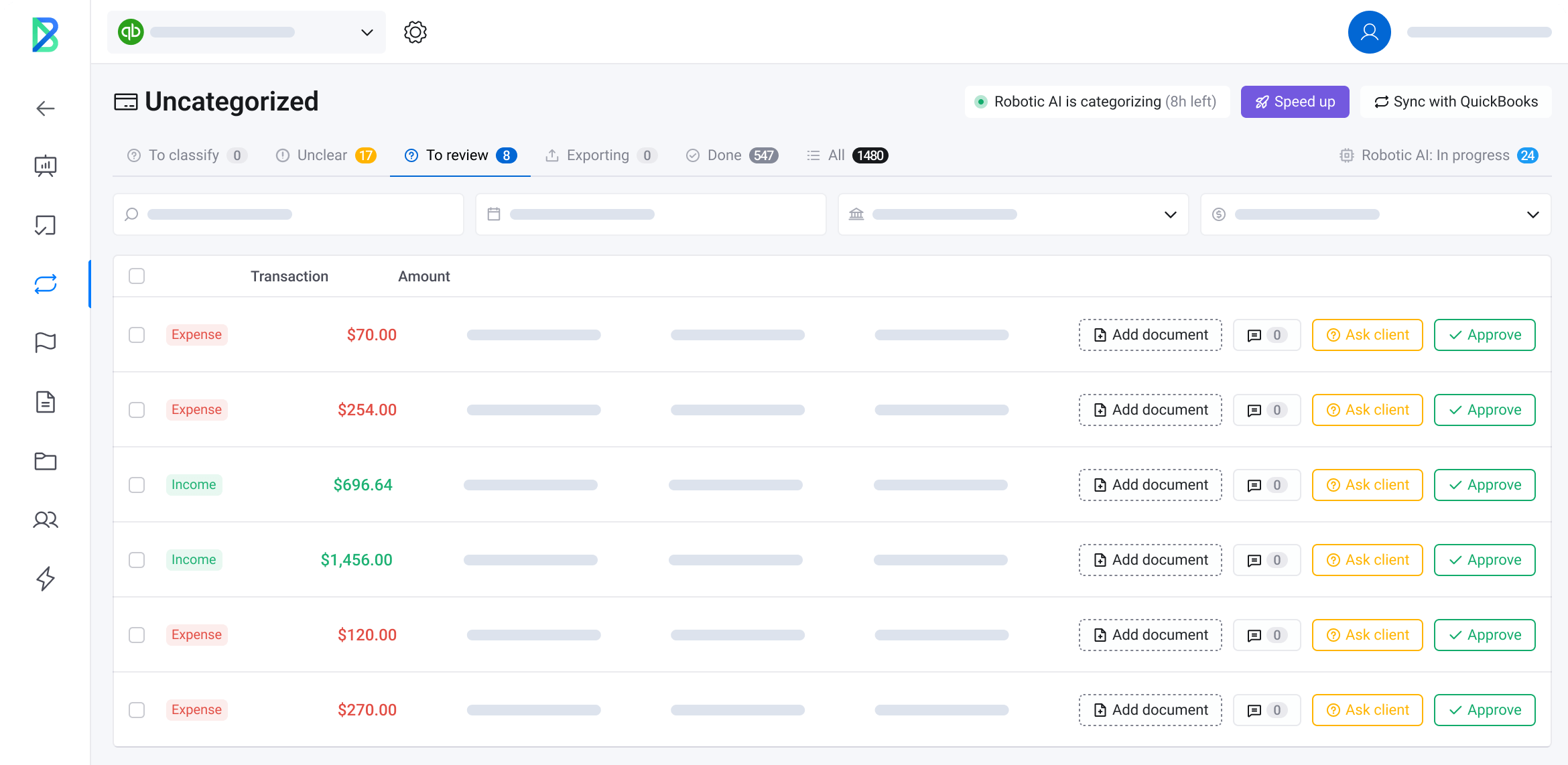
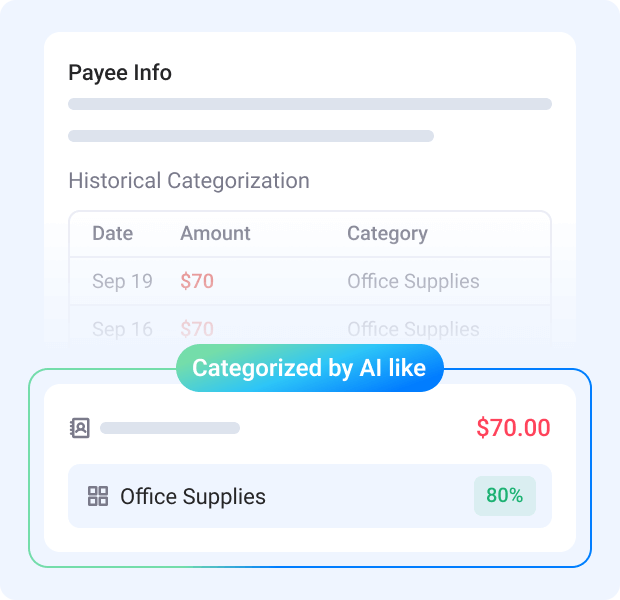
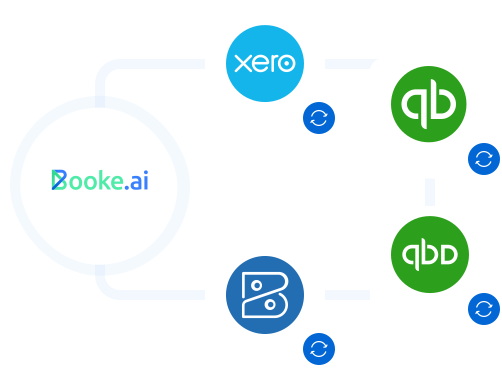
Each day, AI Bookkeeper reviews QuickBooks Online and Xero bank feed transactions, categorizes them, matches them to existing or newly created accounting records and supporting documents, and brings exceptions to your team. This keeps the work ready for period-end reconciliation.



Non-Human Bookkeeper
for Businesses and Accounting Firms
Just an AI Bookkeeper working directly inside QuickBooks Online and Xero.
Add an AI bookkeeper to your firm this week.
Practical Reading From the Booke AI Hub
AI in Accounting Statistics 2026: Adoption, Automation & Human Oversight
See what external research says about AI adoption in accounting and what firms should measure before expanding automation.
Bank Reconciliation Automation: Workflow, Limits, and Human Review
See what automation can prepare before reconciliation and when an exception needs human review in QuickBooks Online or Xero.
OCR, AI, and automation in bank reconciliation: what each one does in Xero and QuickBooks Online
Compare OCR, AI matching, and bank rules in QuickBooks Online and Xero, including what each leaves for review.
How to Categorize Transactions in Xero
Learn when to match an existing Xero record and when to code a new bank-feed line.
Questions About AI Bookkeeper
The current monthly price for AI Bookkeeper (Business) is 129 USD per business. View pricing
What am I buying, and where do my books stay?
AI Bookkeeper is software for businesses and accounting firms. QuickBooks Online or Xero remains your system of record. It is not a new ledger or an included team of accountants.
What work does AI Bookkeeper support in QBO and Xero?
AI Bookkeeper categorizes bank-feed transactions and automatically matches payments to invoices, bills, and receipts. It automates daily bank reconciliation work in QuickBooks Online and Xero, while low-confidence transactions go to your team for review.
AI Bookkeeper for QuickBooks OnlineAI Bookkeeper for XeroHow do I start, and do I need to reconnect the bank?
Your existing QBO or Xero bank feed stays in place. No new or duplicate bank connection is needed. You invite AI Bookkeeper as a user to the selected books. It runs on Booke-managed virtual infrastructure; your computer and browser do not need to stay open.
What happens when a transaction is uncertain or a document is missing?
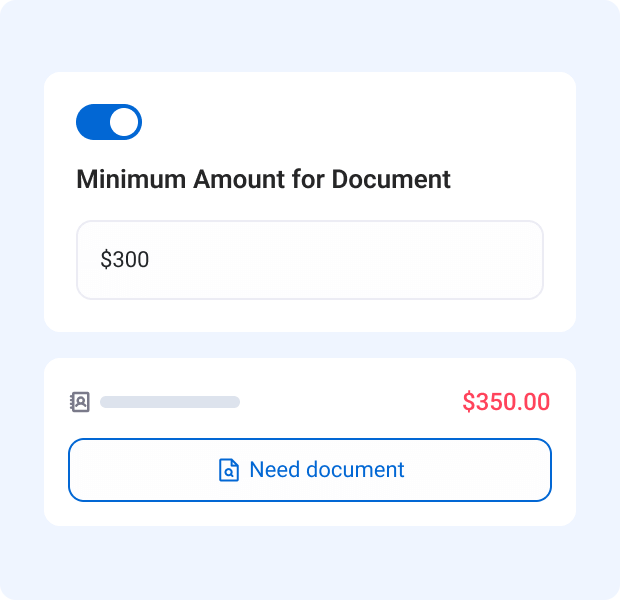
Low-confidence or unusual transactions go to your team for review with a suggested treatment and decision rationale. When an expected document is missing, AI requests it automatically instead of reconciling without it. Your team remains in control of review decisions.
How is each client’s data kept separate?
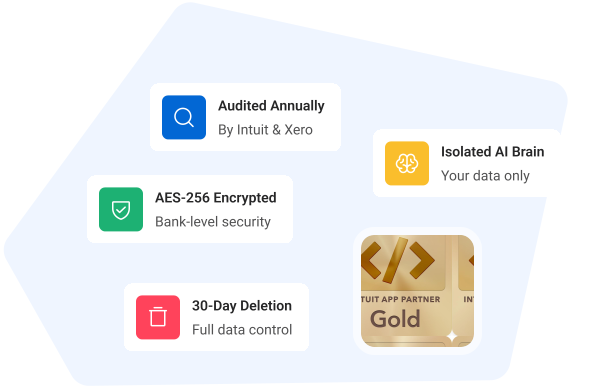
Each client has a separate AI Brain that learns only from that client’s history, approvals, and corrections. Data and learning are not shared across clients. The security page explains Booke AI’s approach to data security.
Booke AI securityHow does pricing work for a business or an accounting firm?
AI Bookkeeper (Business) is priced per business per month; the pricing page also lists an annual billing option. Pricing for accounting firms is available by request and is customized for the firm.
View pricing