Meta Muse Wonder for small business bookkeeping: 40 of 40 on our test month
Meta Muse Wonder posted the highest score of any AI model we've given our 40-check test month of small-business books. It matched 38 of the 40 checks, then 40 of 40, with no wrong calls, for 26 to 27 cents a month at list price. Payments the data couldn't place, like a $400 Venmo payment, came back as questions.
In October 2026 we read 75 owner threads on QuickBooks Community and other forums. In 8 of them, QuickBooks' own suggestions or AI picked the wrong account or the wrong match, and none of the 75 praised it. One owner wrote in April: "It constantly gets things wrong so I don't trust anything it does."¹ The other kind of AI keeps stopping to ask about things your records already answer. Muse Wonder handed fewer decisions back to the owner than GPT-6.1 Sol and Claude Haiku 5.5 did on the same five prompts.
We build Booke AI, AI bookkeeping software for QuickBooks Online and Xero. The five prompts we used are below, ready to copy, with what Muse Wonder returned for each.
What is Meta Muse Wonder?
Muse Wonder is Meta's new frontier model, released on October 12, 2026 together with Muse Wonder Full. Meta says the two bring frontier ability to "expert domains including law, finance, and health."²
What matters for an owner:
Where it runs: Muse Wonder is available through the Meta Model API and Muse Code, and Muse Wonder Full through Muse Code subscriptions. Meta says Muse Wonder "will soon power experiences in Muse" and reach subscribers first.² The Muse app and its QuickBooks connector are covered in our guide to Meta Muse and QuickBooks.
Price: OpenRouter lists Muse Wonder, served by Meta, at $4 per million input tokens and $20 per million output tokens.³ Tokens are the small chunks of text a model reads and writes, and you pay for both.
Context: it reads up to about 1 million tokens at once,³ far more than a month of bank lines.
General scores: Artificial Analysis rates Muse Wonder 52 and Muse Wonder Full 56 on its Intelligence Index at maximum reasoning effort, against 48 for Muse Spark 1.3.⁴
Mark Zuckerberg's launch post passed 2.5 million views on launch day.⁵ Launch-day testers tried Muse Wonder on lava lamps and 3D rockets, and one called it "benchmaxxed",⁶ tuned to win benchmarks rather than real work. We gave it the finance part instead: the month a small-business owner closes.
How Muse Wonder scored against three other models on the same 40 checks
The month is a made-up September for a small candle business on QuickBooks Online: five bookkeeping jobs and 40 checks we wrote before any model saw the data. The same five prompts and the same 40 checks have now run on four models:
Model | Checks matched (of 40) | Extra questions | Cost for the month |
|---|---|---|---|
Meta Muse Wonder, 2 runs | 38, then 40 | 2, then 0 | $0.26 to $0.27 |
DeepSeek V4.1 Flash, 2 runs | 34 and 33 | 6 | $0.017 to $0.023 |
Claude Haiku 5.5, 4 runs | 33 to 34 | 6 to 7 | $0.0065 to $0.0118 |
GPT-6.1 Sol, 2 runs | 30 | 10 | ChatGPT plan |
A check is one answer we fixed in advance: an account, an amount, a flag. A wrong call is a check answered with a wrong account or amount, a guess where the data can't tell, a planted problem missed, or a false alarm. Muse Wonder, Claude Haiku 5.5 and GPT-6.1 Sol made none; DeepSeek V4.1 Flash made one, in one of its runs.⁷
Apart from DeepSeek's one wrong call, every check the others didn't match was an extra question: the model asking you something your own records settled. Muse Wonder asked two in its first run and none in its second, the first time any model has cleared this month without an extra question.
The prompts, ready to copy
Every job uses the same rules block, pasted after the job prompt and before your data. It keeps the model in review mode, stops it guessing from a merchant name and sends tax decisions to your accountant:
Review only. Use only the data I paste. Don't post, change or delete anything in my books. Don't guess what a purchase was for from the merchant name alone: if you can't tell, mark it ASK and write one short question I can answer. Flag anything that needs my accountant instead of deciding tax treatment.
Paste a context block with your data: your business and name, every account ending (business, personal and loans), your chart of accounts, which is the list of accounts your books sort money into, and short notes on your loan payment and the invoices customers still owe you. Ours:
Business: Fernwood Candle Co. LLC, single-member LLC, owner Maya Rivera. Books in QuickBooks Online. Month: September 2026.
Accounts: Business Checking ...2210; Business Savings ...4411; Chase Ink business card ...9031; owner's personal checking ...7790; owner's personal Visa ...5512; SBA loan #0034.
Chart of accounts: Sales; Wholesale Sales; Refunds; Materials; Shipping & Packaging; Advertising; Software & Subscriptions; Merchant Fees; Office Supplies; Travel; Meals; Interest Expense; Owner's Draw; Owner Contribution; SBA Loan; Chase Ink Card; Business Savings; Accounts Receivable.
SBA loan #0034 statement, payment 2026-09-05: total 1,150.00 = principal 980.40 + interest 169.60.
Open invoices in QuickBooks: INV-1043, Okafor Gift Shop (contact: J. Okafor), 750.00, due 2026-09-30.
Add one line about owner money, from our owner contribution vs loan test, so the call on money between you and the business stays yours:
Owner money: money I move into the business from my personal accounts is an owner contribution unless I say it's a loan. Zelle payments to me are owner's draws.
The context block and notes carry a lot of the work. Two of the six owner-money answers below came straight from the notes.
The five bookkeeping jobs and what Muse Wonder returned
1. Sort owner money, loan payments and transfers
For each checking line, say what it is: income, expense, owner contribution, owner's draw, loan payment (split principal and interest if the data shows it), card payment, transfer between my accounts, or payment of an existing invoice. Use my notes. Mark ASK when the data doesn't say.
Six checking lines moved $13,812.18 in September. Only $169.60 of it is an expense, the loan interest, and none of it is new revenue. Muse Wonder got all six right in both runs and listed "ASK items: None":
$5,000 from the owner's personal checking: Owner Contribution, the account for money you put into the business yourself. "...7790 is the owner's personal checking. Credit to Owner Contribution; not income."
$1,150 SBA loan payment: $980.40 to the loan and $169.60 to Interest Expense. "SBA loan #0034 statement in your notes provides this exact split."
$2,000 Zelle to Maya Rivera: Owner's Draw, money you take out for yourself. "Maya Rivera is the owner."
$750 Zelle from J Okafor: applied to the open invoice INV-1043. "Do not record as new income." Booked as a new sale on top of the open invoice, that $750 would count twice.
The $1,500 move to savings and the $3,412.18 card payment: transfers between your own accounts.
A loan from you to the business looks exactly like a contribution in the bank feed. Muse Wonder booked the $5,000 as a contribution without asking, which is what our checks expected; the owner-money line above keeps that call in your hands.
2. Clear the Uncategorized pile
I keep my books in QuickBooks Online. Below are bank lines sitting in Uncategorized, my business context and my chart of accounts. For each line give: date, description, amount, suggested account from my chart (or TRANSFER with the account it moves to, or ASK, or ACCOUNTANT), and a one-line reason. Lines that move money between my own accounts or pay a loan or card are not expenses or income. End with the list of questions for me.
On Xero, name Xero and paste your unreconciled bank lines instead. Ten of ten in both runs. The ten lines took $8,637.23 out of checking and brought $1,850 in. Muse Wonder booked four suppliers on sight: CandleScience $642.18 to Materials, Meta Ads $250.00 to Advertising, Shopify $105.00 to Software & Subscriptions and USPS $38.40 to Shipping & Packaging. The savings move and the card autopay came back as transfers. Those two are 57% of the money that left; booked as expenses, they would have overstated September's costs by $4,912.18. The $2,200 IRS payment went to ACCOUNTANT.
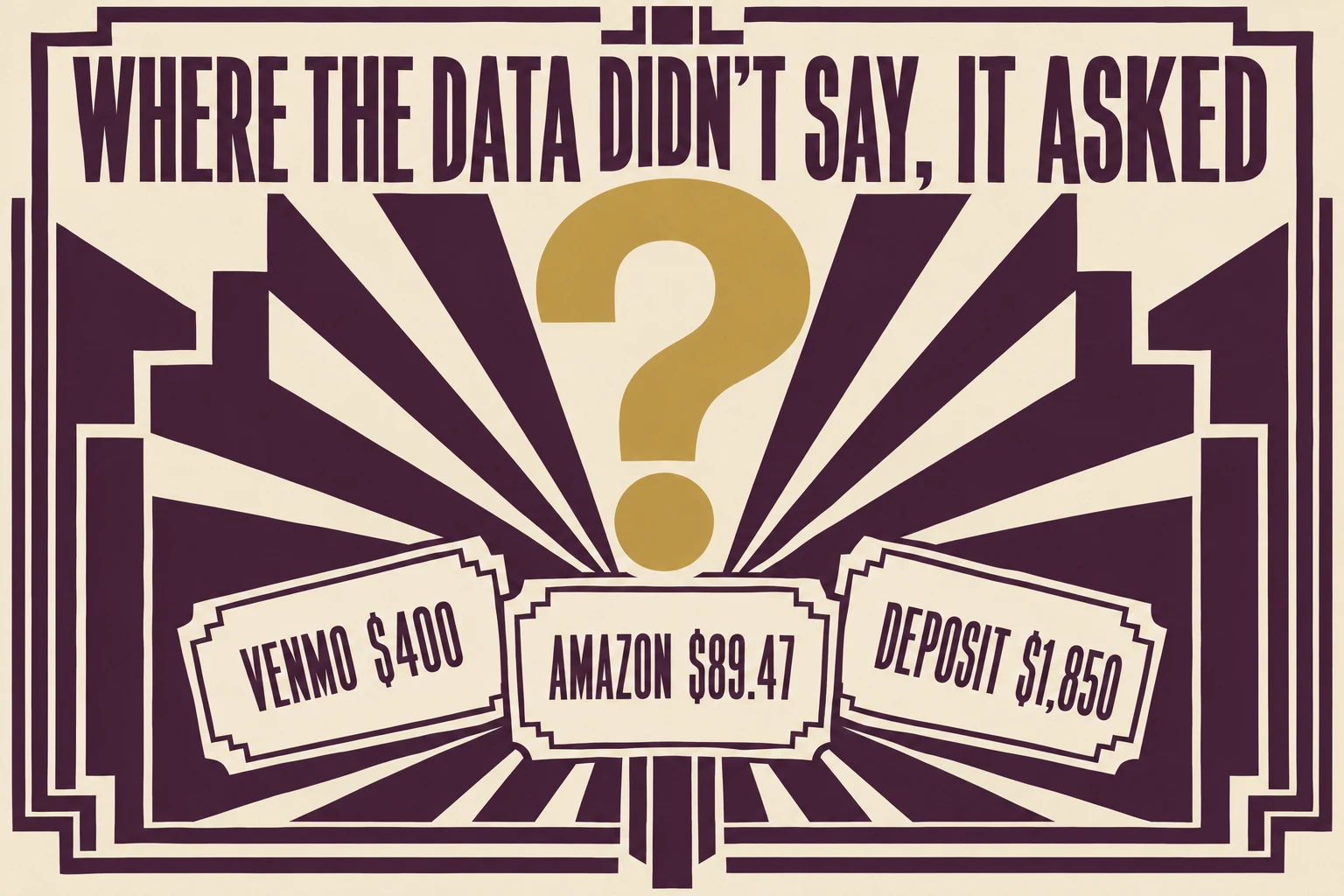
Where the data didn't say, it asked. The $400 Venmo payment: "Payee and purpose are not stated; cannot tell what this paid for from merchant name alone." The $89.47 Amazon order: "Amazon Marketplace alone does not show what was purchased." The $1,850 mobile deposit could be "Sales, Wholesale Sales, Accounts Receivable, Owner Contribution, or other", so it asked: "What was the source of this deposit?" A model that books that deposit as Sales invents $1,850 of income that may be your own money.
3. Explain why Stripe paid you less than you sold
My Stripe sales are higher than what reached my bank. Using the Stripe balance export and my bank deposits, explain the difference line by line: gross sales, card fees, refunds, disputes and any other deductions, per payout. Check that each payout equals a bank deposit. Show the totals I should record so that sales, fees and refunds are separate. Tell me anything I need to act on.
Stripe sold $1,072.00 in September and the bank received $858.50. Both runs closed the $213.50 gap to the cent: $33.50 in card fees, a $45.00 refund, a $120.00 dispute and a $15.00 dispute fee. The $462.29 and $396.21 payouts matched the September 16 and 23 deposits. Run 2 spelled out the line that protects your sales number: "Do not record just the $858.50 net as sales." Record the deposits as sales and your sales come out $213.50 too low while $48.50 of fees vanish from your expenses.
It caught the small stuff too. A $45.00 order was charged and refunded the same day, and Stripe kept the fee: "Its $1.61 card fee was not returned in this data, so that fee remains a cost." A dispute is a customer asking their card bank to reverse a payment; Stripe takes the money back while the case runs. Both runs told the owner to act promptly, and run 1 said how: "Check Stripe for the dispute reason and evidence deadline, and submit evidence if you intend to contest it." How to book the $120.00 went to the accountant.
4. Run the month-end checks
Check my September activity against earlier months and my receipt list. Find: possible duplicate charges, subscriptions whose price changed, and charges of 75 dollars or more with no receipt. Don't flag repeat purchases as duplicates unless the evidence points to one order charged twice. Give a short to-do list.
CandleScience order 48650 hit the card for $312.40 on September 9 and again on September 10, with one receipt: "Same order number + same amount + consecutive dates points to one order charged twice." Google Workspace rose from $14.00 to $16.80 and Shopify from $39.00 to $105.00, $68.80 a month more between them. Staples $132.60 and WebstaurantStore $96.15 had no receipts, $228.75 of spending with no paper behind it.
We planted two traps. USPS charged $12.40 twice, with a label receipt each time: "This looks like repeat purchases, not a duplicate." An $18.20 Office Depot charge had no receipt but sat under the $75 line. Neither run flagged either one, so the to-do list held only real problems.
5. Split a personal card you used for the business
I paid some business costs with my personal card. For each line, mark BUSINESS, PERSONAL or ASK, with the account from my chart for business lines. Treat refunds as reducing the cost they refund. Then give the net total of business lines that I should record as paid with personal funds, and the questions for me.
Both runs found the business lines, Google Workspace $16.80, Etsy listing fees $18.40 and a $219.75 CandleScience order less a $35.00 refund, and landed on $219.95 to record as business costs you paid personally. The refund "reduces the 2026-09-17 CandleScience cost it refunds, not new income". Whole Foods, Shell, Delta and Target came back as questions, $602.87 that only the owner can place.
Why fewer questions matter
Most of the other models' extra questions were about vendors the data already pointed to, like CandleScience, Shopify and USPS, or about Netflix and Spotify on the owner's personal card. Sol and Haiku also asked whether the $5,000 was a loan; the owner-money line covers that one. Muse Wonder asked about Netflix and Spotify in run 1, "Was this subscription for business use, or personal?", and marked both personal in run 2. Those were its only extra questions in 80 checks.
Every extra question is a line you stop on and answer before the month is done, on top of the ones that need you, like the Venmo payment and the $1,850 deposit. At ten a month, the review you wanted to hand off turns back into your job.
How much does Muse Wonder cost for a month of books?
At list price, our month of five jobs cost $0.26 in the first run and $0.27 in the second. Almost all of it is output: about 3,100 tokens went in and 12,400 to 13,000 came out, and two-thirds of the first run's output was the model's reasoning before it answered. Claude Haiku 5.5 did the same month for about a cent and DeepSeek V4.1 Flash for about two, with 6 or 7 extra questions each.
How to use Muse Wonder on your own month
You can reach Muse Wonder through the Meta Model API or Muse Code², or through OpenRouter³, a service that resells access to many AI models. We ran it through OpenRouter. Then:
Pick a month you've already closed, so you can check every answer against what you booked.
Export that month's bank and card lines from QuickBooks Online or Xero with date, description, amount and account.
Write the context block and notes: your business, every account ending, your chart of accounts, loan splits, open invoices and the owner-money line.
Paste one job at a time: the job prompt, the rules block, then the data. Start with owner money.
Check every line the model moved and every total, answer its questions, and make the changes in QuickBooks or Xero yourself.
How we tested
The month is synthetic: September 2026 for Fernwood Candle Co. LLC, a one-owner candle business on QuickBooks Online. We wrote the 40 checks on October 4, 2026 and no model ever saw them. Every model got the same prompts and data, pasted as text, with no connection to QuickBooks or a bank. GPT-6.1 Sol ran twice on October 4 on a ChatGPT plan, DeepSeek V4.1 Flash twice on October 5, Claude Haiku 5.5 four times on October 8, and Muse Wonder twice on October 12 through OpenRouter, served by Meta at its default setting. The full write-up of the Muse Wonder runs is on X.⁸
What 40 of 40 still leaves you to do
Those five steps are the work Muse Wonder still needs from you every month. The way we ran it, it sees only what you paste. It doesn't sit in your bank feed or see this week's charges until someone exports them, and its perfect run ended with 40 right answers on a screen and none of them in QuickBooks. The model was the cheap part, 26 to 27 cents. The rest is export, paste, type it back, every month, by whoever finds an evening for it.

Where Booke fits
Booke AI takes the export and paste out of that evening. It works every day inside the QuickBooks Online or Xero books you already have, on the bank feeds you've connected, with no new platform and no new bank connection. It categorizes and matches the feed using your books' history and automates up to 80% of the manual bank-feed work.
It brings you only the transactions that need you. Unclear ones, the kind Muse Wonder had to ask about, are flagged for your decision instead of being booked as done, and the changes you approve improve future automation. Booke AI costs $129 per business per month; set that against what the bank feed costs you now, in your own hours or your bookkeeper's invoice.
FAQ
Is Muse Wonder free?
Meta's launch post doesn't mention a free tier, and says Muse Wonder will soon come to the Muse app, first for subscribers.² Through OpenRouter you pay per token.³
What is Muse Wonder good for?
Meta names law, finance and health among its expert domains, along with coding.² On our 40-check bookkeeping month it posted the best result of the four models we've run.
Keep reading
Meta Muse and QuickBooks: what the AI agent can do in your books
Claude Haiku 5.5 for small business bookkeeping: we tested it on a month of books
ChatGPT Finances for small business: what it sees, and 5 bookkeeping prompts we tested
Owner contribution, loan or owner's draw: what AI did with an owner's $5,000
Sources
QuickBooks Community, How do I turn off AI on my QuickBooks Online account? I did not ask for and do not want this feature., thread from August 12, 2025; reply quoted from April 2026. Read October 13, 2026.
Meta, Introducing Muse Wonder and Muse Wonder Full: Frontier Models for Agents, October 12, 2026.
OpenRouter, Meta: Muse Wonder: price, provider and context length. Read October 13, 2026.
Artificial Analysis (@ArtificialAnlys), Intelligence Index v4.3 results for Muse Wonder and Muse Wonder Full, X, October 12, 2026.
Mark Zuckerberg (@finkd), Muse Wonder launch post, X, October 12, 2026.
BridgeMind (@bridgemindai), lava-lamp test of Muse Wonder, X, October 12, 2026.
Vadim Chumak (@vadimvchumak), DeepSeek V4.1 Flash on the same 40 checks, X, October 5, 2026.
Vadim Chumak (@vadimvchumak), Owners say QuickBooks' AI gets things wrong. Meta's Muse Wonder got our test month 40 of 40, X, October 12, 2026.