Claude Opus 5.5 for small business bookkeeping: we tested it on an $89 Amazon charge
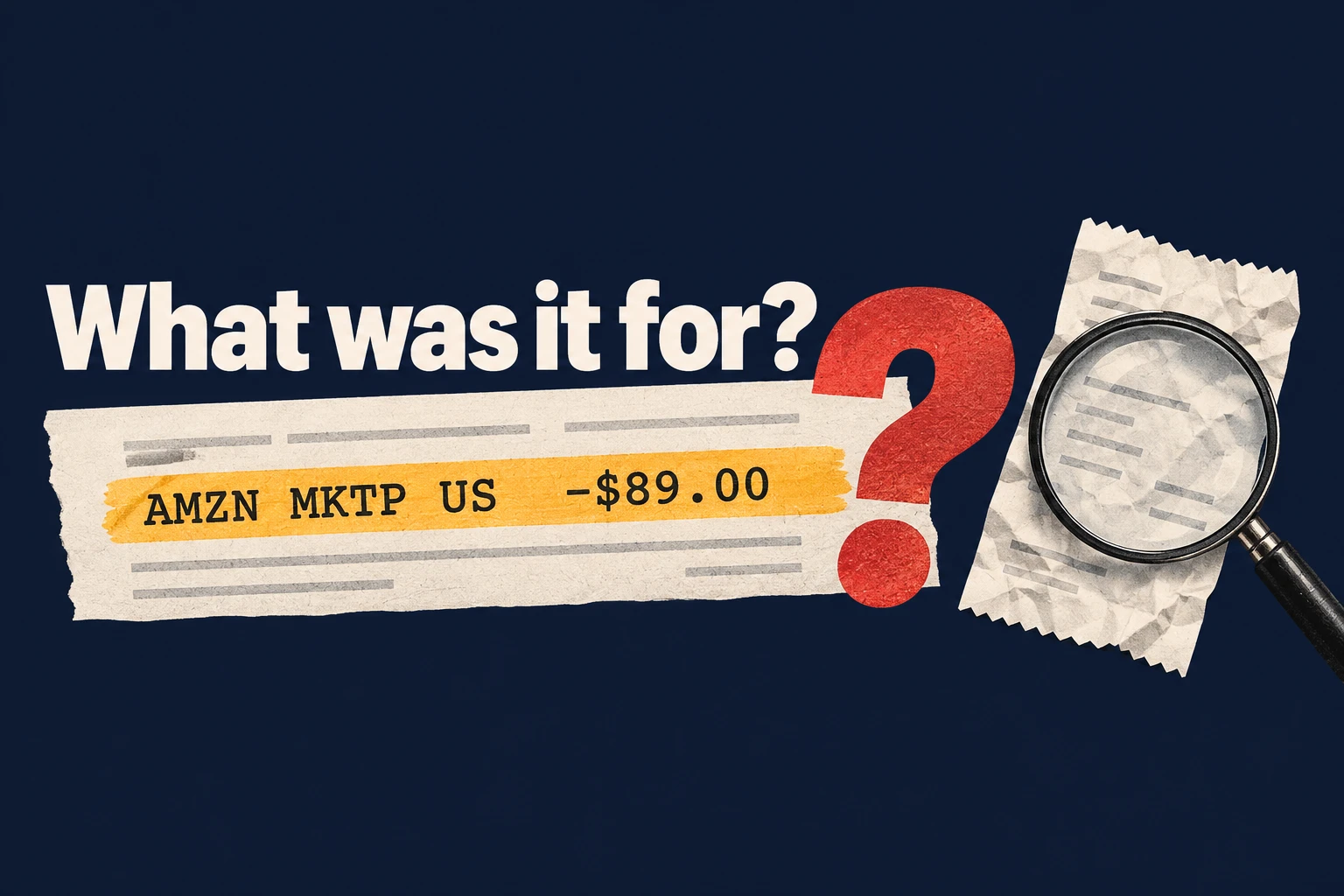
Say you run a small design studio. An $89 Amazon charge shows up among the bank transactions QuickBooks downloads for you. You know it's Amazon, but the bank line doesn't say what you bought: printer ink for the studio, materials for a client job, or something that belongs on a different card.
Can Claude do bookkeeping like this? We tested Claude Opus 5.5, released by Anthropic on September 22, on that charge and on two harder bookkeeping tasks. We gave it clear rules, including when to leave a category blank, and it followed them: with only the bank line, it wrote a question for the owner instead of picking a category. Once it had the receipt, it proposed the right one. It also picked the right invoice to match when a lookalike sat next to it, and found all five mistakes we planted in a draft.
Why we tested Claude Opus 5.5 on bookkeeping
Anthropic released Claude Opus 5.5 on September 22, 2026. We build Booke AI, which automates bank-feed work in QuickBooks Online, so we wanted to see how it handles the part of bookkeeping that eats an owner's evenings: deciding what a charge was for.
Amazon charges are a good stress test. The bank line says "AMZN MKTP US" and an amount. It doesn't say what you bought, who it was for, or whether part of the order belongs somewhere else. A tool that guesses from the merchant name can put the charge in the wrong category, and a wrong category doesn't change any total, so it's easy to miss.
So we checked one thing above all: when information is missing, does the model guess, or does it ask?
Can Claude do bookkeeping? What happened in our test
On September 27, we ran five independent tests on made-up data for a fictional design studio. Each test ran once. The model had no tools or web access. We gave it written bookkeeping rules, including when to leave a category blank, but never showed it the answers we expected or gave follow-up hints.
The $89 Amazon charge, in three rounds
We gave Opus the same charge three times, adding context each round.
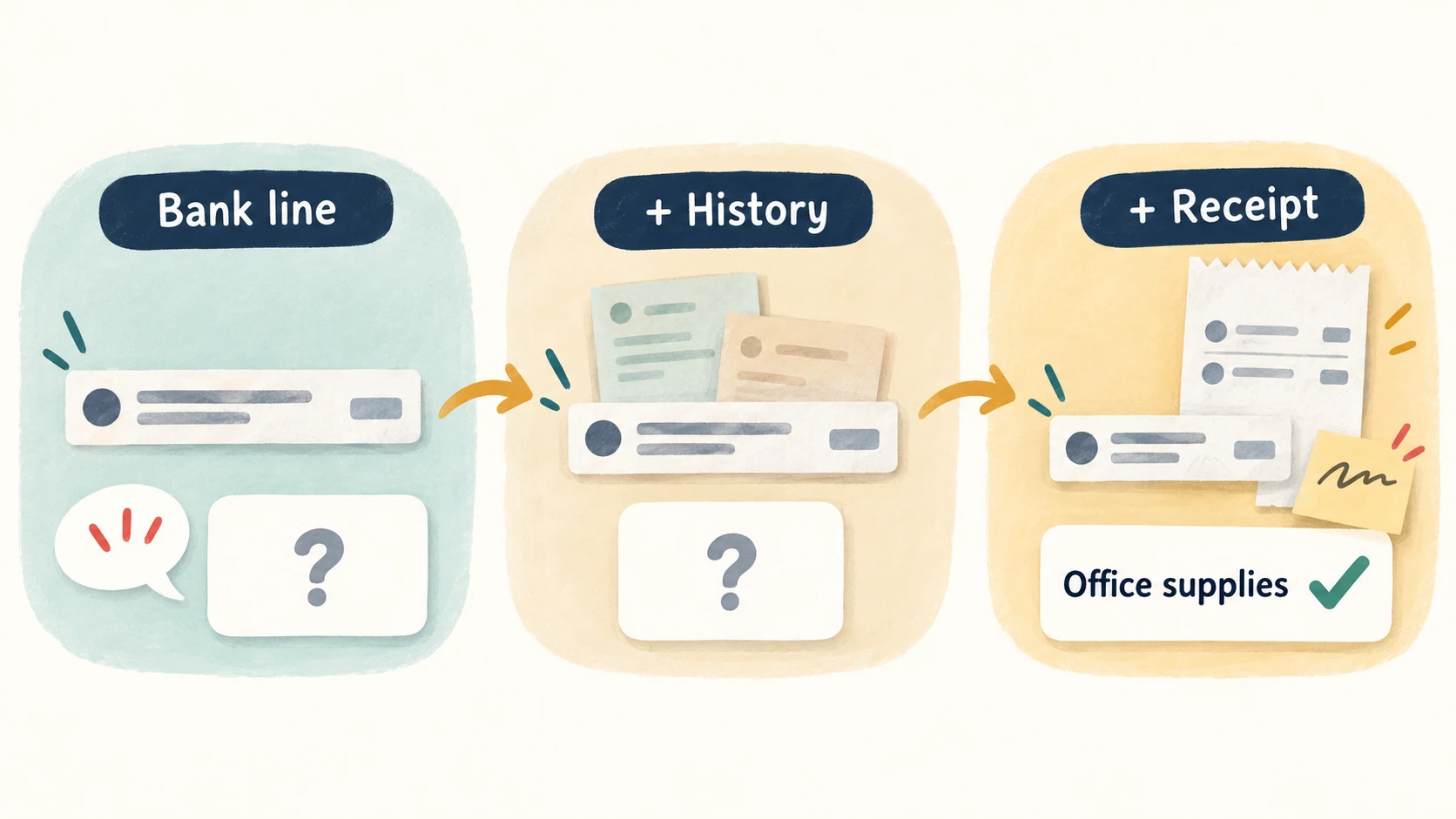
With only the bank line, it left the category blank and wrote the question you'd want to send the owner:
"What was purchased in the $89.00 Amazon Marketplace order on September 10, 2026, and was it for general studio use or for a specific client project? Please share the order receipt if available."
Then we added two earlier Amazon purchases of printer supplies, both coded to Office supplies. This is where guessing is most tempting. It still didn't pick a category:
"Policy treats prior purchases as context, not proof of what this purchase was, so they are not cited as supporting evidence."
With the receipt and the owner's note added, it proposed Office supplies and marked the item ready for a person to review. One slip: its list of supporting evidence left out the bank transaction itself, although its explanation tied everything to it.
The lookalike invoice
A $247 payment referenced invoice INV-104. The folder held two copies of INV-104, one named scan(7).jpg, plus INV-105 from the same supplier for the same $247.
Opus proposed matching the payment to the INV-104 bill already on the books, treating the two copies as one invoice, and leaving INV-105 open. It didn't propose a new expense, so the cost wouldn't be counted twice. It also asked someone to confirm the scan, since it had only seen the text pulled from it.
The draft that looked finished
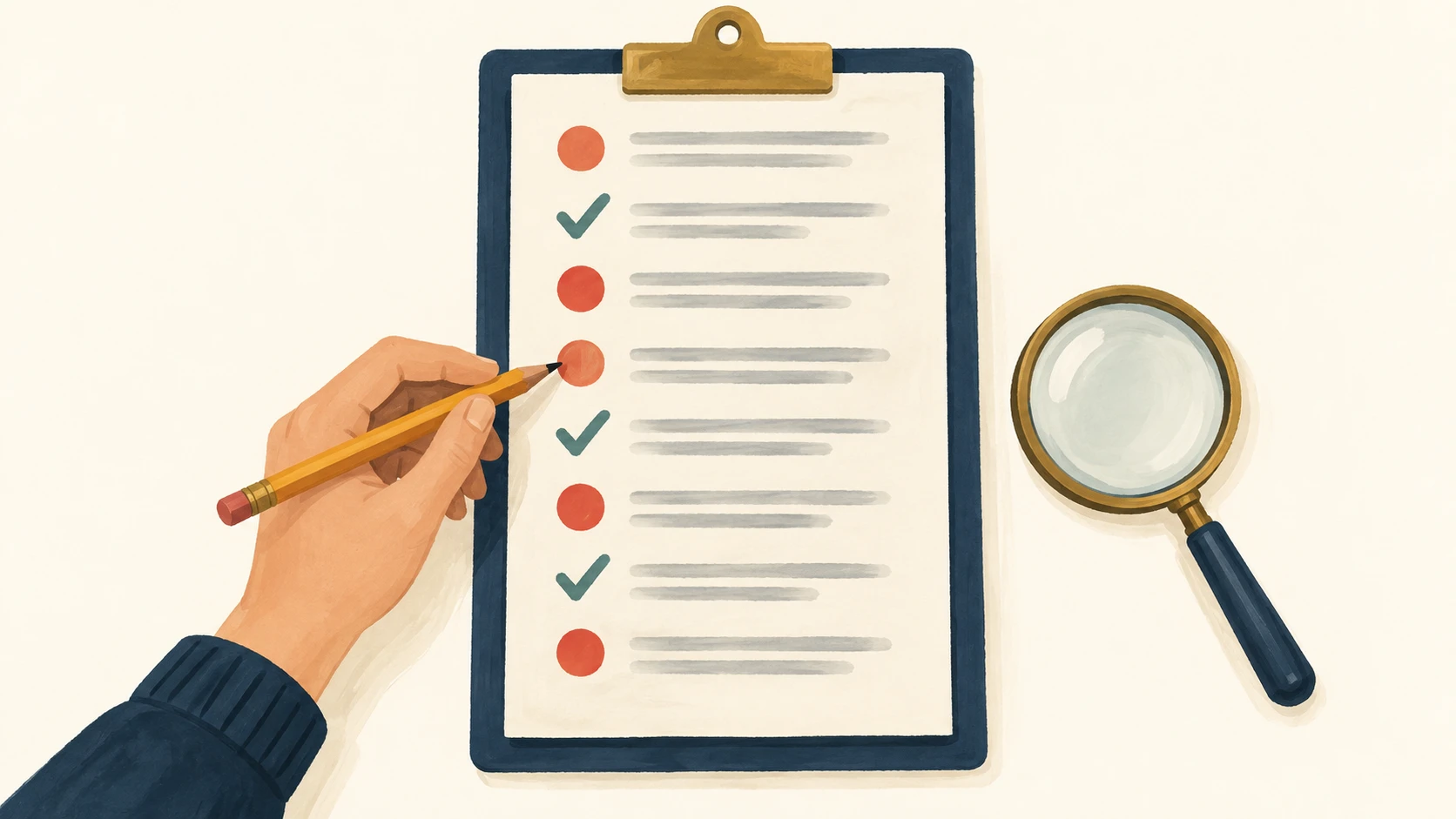
Eight bank transactions, nine draft entries, five planted mistakes, and no hint about how many. Opus found all five and didn't flag the three correct entries we'd made to look suspicious. It also explained why the draft totaled -$2,600 when the bank showed -$1,739: a $29 charge typed as $290, plus a $600 payment entered twice.
We checked the paste-in version too
The pilot used structured files. For the tutorial below, we rewrote each test as plain text and ran steps 2 to 6 through Claude Code, Anthropic's command-line tool, with Opus 5.5, tools off and a fresh session every time, three runs per step. That's close to a fresh chat, but it isn't the Claude app, whose own instructions and any memory you've turned on can change the answer.
The first round exposed a flaw in our own wording. In one of three runs of the draft review, Opus also flagged an entry that asks the owner two questions at once, because our rules said to ask one question. We changed the rule to "a short, specific question" and ran everything again. In the second round, every run of every step met our scoring criteria, including five of five runs of the draft review. In an extra summary, though, three of those five runs counted the unexplained $247 Home Depot charge in total expenses; two of them did label it as still waiting on the owner. Until the owner answers, nobody knows it's a business expense.
What this doesn't prove
The data was synthetic, and documents went in as text, not images. We wrote the expected answers ourselves, and an independent accountant still needs to review them. Every answer was a proposal: nothing was posted, matched or reconciled anywhere. A model only proposes actions; the software around it decides what runs. Finding five of five planted mistakes in one draft isn't an accuracy rate.
Why Amazon charges are hard to categorize
The category of a purchase depends on what you bought and why, and the merchant name tells you neither. Amazon sells printer paper, client materials, software and personal items, so the same "AMZN MKTP US" line can belong in different categories from one month to the next.
Three habits make Amazon charges easier, whoever does the categorizing:
Keep the receipt with the transaction. Your Amazon order history lists what was in each order. Attach it, or save it where your bookkeeping tool can find it.
Note who it was for: general business use or a specific customer project. Only you know, and whoever reviews the transaction needs it to apply your categories.
If the items in one charge belong in different categories, split the transaction. Our guide to business expense categories covers where common purchases usually go.
Past purchases help, but they aren't proof, which is the rule Opus followed in round two.
Run the test yourself
The steps below are the same test, rewritten in plain text for a chat window. Your answers may be worded differently from ours. Compare the behavior: whether the model guesses or asks.
Two things before you start:
Choose Opus 5.5, and open a new chat for each step, outside any project, with web search and connectors off. That keeps outside context to a minimum, although the app's own instructions and any memory you've turned on can still affect the answer.
All the data below is made up. Don't paste your own bank data unless you're comfortable with how the tool handles it.
Step 1: Copy the setup
Paste this at the start of every chat in the steps that follow.
You're reviewing the books of a small US design studio. Use only these categories: Office supplies, Software subscriptions, Client materials, Travel, Contractor services, Bank fees.
Rules: Don't infer business purpose from a merchant name alone; past purchases are context, not proof. If information is missing, leave the category blank and write a short, specific question for the owner. Printer paper and ink bought for the studio go to Office supplies. Two copies of one invoice are one invoice. If a payment clearly matches a recorded open bill, propose matching it instead of a new expense. A transfer between the company's own accounts isn't an expense. Propose only; nothing gets posted.
For each item, give: the proposed category or match, the evidence you used, what's missing, and a question for the owner if one is needed.
Step 2: The bank line alone
After the setup, paste:
Transaction: Sep 10, business checking, "AMZN MKTP US", -$89.00.
A good answer leaves the category blank and asks the owner a specific question about what was bought and who it was for.
Red flag: it picks a category from the vendor name.
Step 3: Add the history
New chat. Paste the setup, then:
Transaction: Sep 10, business checking, "AMZN MKTP US", -$89.00.
Reviewed history: Aug 3, Amazon, -$76.00, Office supplies (printer consumables for the studio). Jul 6, Amazon, -$92.00, Office supplies (printer paper and ink for the studio).
The history suggests Office supplies, but it doesn't show what this order contained. A good answer still leaves the category blank and treats the history as context. It may tell you what would make Office supplies the right call.
Red flag: "Office supplies, based on past purchases."
Step 4: Add the receipt and the owner's note
New chat. Paste the setup, then:
Transaction: Sep 10, business checking, "AMZN MKTP US", -$89.00.
Reviewed history: Aug 3, Amazon, -$76.00, Office supplies (printer consumables for the studio). Jul 6, Amazon, -$92.00, Office supplies (printer paper and ink for the studio).
Receipt: Amazon, Sep 10. Printer ink $59.00, printer paper $30.00, total paid $89.00.
Owner's note: both items were bought for use in the studio.
A good answer proposes Office supplies at -$89.00, cites the receipt and the note, and says it's a proposal. Check one detail: does it tie the receipt to this bank line by date, merchant and amount?
Step 5: The lookalike invoice
New chat. Paste the setup, then:
Payment: Sep 12, business checking, "NORTHLINE PRINT INV-104", -$247.00.
Open bills already recorded: INV-104, Northline Print Ltd, Sep 8, $247.00, Client materials, unpaid. INV-105, Northline Print Ltd, Sep 9, $247.00, Client materials, unpaid.
Documents: (A) invoice_final: Northline Print Ltd, invoice INV-104, Sep 8, client brochure printing, $247.00. (B) scan(7).jpg, supplied as extracted text: Northline Print, INV-104, Sep 8, brochure printing, $247.00. (C) another_invoice: Northline Print Ltd, invoice INV-105, Sep 9, client poster printing, $247.00.
Which bill does this payment match? Which documents are copies of the same invoice? Should a new expense be recorded?
A good answer proposes matching the payment to the INV-104 bill, treats A and B as one invoice, leaves INV-105 open, and proposes no new expense.
Red flag: a new expense, or a match to INV-105 because the amount fits.
Step 6: Review a draft that looks finished
New chat. Paste the setup, then this whole block:
Bank activity, business checking, September:
B1 Sep 1, AMZN MKTP US, -$89.00
B2 Sep 2, LUMABOARD, -$29.00
B3 Sep 3, NORTHLINE PRINT, -$247.00
B4 Sep 4, PHOTOKIT, -$45.00
B5 Sep 5, TRANSFER TO BUSINESS SAVINGS TR-17, -$500.00
B6 Sep 6, QUILL STUDIO, -$600.00
B7 Sep 7, AMZN REFUND RF-31, +$18.00
B8 Sep 8, HOME DEPOT, -$247.00Receipts:
R1 Amazon, Sep 1: printer ink and paper, $89.00. Owner confirms it was for the studio.
R2 LumaBoard, Sep 2: monthly project-management software for the studio, $29.00.
R3 Northline Print, Sep 3: printed brochures for a client project, $247.00. No bill on file.
R4 PhotoKit, Sep 4: monthly image-library software used in studio work, $45.00.
R5 Bank confirmation TR-17, Sep 5: $500.00 moved from business checking to business savings. Both accounts belong to the studio.
R6 Quill Studio, Sep 6: completed independent design work, $600.00. No bill on file.
R7 Amazon refund RF-31, Sep 7: $18.00 for returned printer paper from an earlier Office supplies purchase.
No receipt yet for B8.Draft entries to review:
E1 B1, -$89.00, Travel, evidence R1
E2 B2, -$290.00, Software subscriptions, evidence R2
E3 B3, -$247.00, Client materials, evidence R3
E4 B4, -$45.00, Software subscriptions, evidence R2
E5 B5, -$500.00, Office supplies, evidence R5
E6 B6, -$600.00, Contractor services, evidence R6
E7 B7, +$18.00, refund reducing Office supplies, evidence R7
E8 B8, -$247.00, no category yet, needs review: what was bought, and was it for the studio or a client? Please send the receipt.
E9 B6, -$600.00, Contractor services, evidence R6Review the draft. For each problem, name the entry, the evidence, and the fix. Don't flag entries that are fine. Then compare the draft total with the bank total and explain any difference.
Don't read the next step until you have the model's answer.
Step 7: Score it
These are the answers we expected. We wrote them for this test, and an independent accountant hasn't reviewed them yet. The draft has five planted mistakes:
E1: Travel should be Office supplies. This one doesn't change the total, which is why a balance check can't replace a category review.
E2: $290 should be $29.
E4: it cites the LumaBoard receipt (R2); the right one is R4.
E5: a transfer to the studio's own savings, not an expense.
E9: a duplicate of E6.
Three entries look suspicious on purpose and should not be flagged. E3 is a real client expense, E7 is a valid refund, and E8 is correctly waiting for a receipt; its $247 matches E3 by coincidence. E6 is fine too: it's the original payment that E9 duplicates.
The totals: the bank shows -$1,739.00 and the draft adds up to -$2,600.00. The $861.00 difference (the model may show it as -$861.00) is the extra $261 from the mistyped amount plus the duplicated $600.
Count four things: mistakes caught, mistakes missed, correct entries flagged by mistake, and whether each finding cites the right evidence. Then run it again in fresh chats to see whether the answers stay the same. Even a few clean runs on these examples don't show how it will do on your real books.
Can Claude do my QuickBooks?
Partly. Intuit offers a QuickBooks connector for Claude, available to US customers only. Uses listed on Intuit's help page include:
pulling your profit and loss and cash flow reports, and comparing your numbers with similar businesses;
importing transactions you give it, which Intuit says Claude categorizes and adds to your books;
creating, sending and updating invoices and estimates, adding customers, and making payment links.
Intuit says the connector's use cases are limited to the ones it lists. Reviewing the transactions that arrive through your bank feed, or matching them to receipts and bills, isn't on that list. Intuit also asks you to review any transaction Claude creates, and deleting an invoice or estimate needs your confirmation.
Anthropic packages this connector, along with PayPal, HubSpot and others, as Claude for Small Business, which runs inside Claude Cowork. Anthropic describes a month-end workflow that reconciles your books against payment settlements and flags what doesn't match, and says you approve before anything sends, posts or pays.
We didn't test the connector or Cowork. Our test covered how Opus 5.5 proposes a category with different amounts of context, one invoice match and one draft review, so it says nothing about how the connector performs.
What a chat test leaves to you
Our test ran in a disconnected chat-style setup. Doing a month of books that way, you would still:
supply the bank transactions and the receipts or invoices behind them;
restate your categories and rules each time, or keep them yourself in a project;
enter the approved answers into QuickBooks Online;
keep track of which items are still waiting on an answer.
The connector can take over some of this, such as importing transactions, but as covered above, bank-feed review isn't on its list. How much that matters depends on how much of that review is left after the automation you already have.
What this means for your bookkeeping bill
Start with what you already pay for. QuickBooks Online uses AI to suggest a category or a match for each bank transaction and shows confidence badges, so you can tell which suggestions need a closer look. It also has bank rules for repeat transactions, and in the US Intuit offers human help: Smart Expert Categorization on the Plus plan and Expert Books Upkeep on Advanced. Judge any AI tool, Claude or Booke included, on the work left after those are set up.
Then do the math:
Savings = what you pay now − what you'll still pay a person − the software − any other new costs.
A made-up example, not a real case or an offer: if you pay a bookkeeper $400 a month and, with routine work automated, agree a $100 monthly review instead, a $129 tool leaves $171 a month. If the bookkeeper's fee stays at $400, the same tool adds $129 a month. If you do the books yourself, the gain is your time, which is real but isn't cash.
Four checks to reuse on any AI bookkeeping tool
These work on any model or product that claims to handle bank-feed work, including Booke. Use made-up data or a test company.
Give it less than it needs. Does it ask, or does it guess?
Give it history that points one way. Does it still wait for proof?
Put a lookalike next to the right document. Does it match on more than the amount?
Plant mistakes among correct entries that look odd. Does it catch the first without flagging the second?
We ran a similar test on a different kind of model last week. TypeSafe's Jev picks from fixed answers instead of writing them, and its account answers matched ours on all 40 synthetic transactions, including 11 where the right answer was "can't tell from the evidence". It also recommended posting a possible duplicate. The write-up is in Jev AI for small business bookkeeping.
Where Booke fits
Booke automates routine bank-feed work inside QuickBooks Online. It checks new bank-feed transactions daily, learns how you've categorized vendors before, and matches bills, receipts, invoices and payments to transactions. Unclear transactions are flagged for a human decision, and approved changes improve future QuickBooks automation. Your books stay in QuickBooks Online. You can read more about how AI auto-categorization works in Booke.
Booke is software, not a bookkeeping service, so the leftover decisions stay with you or your accountant. The business plan is US$129 per business per month. The Opus 5.5 test in this article is separate from Booke and doesn't measure it.
If you run your business on QuickBooks Online, you can get started or check the pricing.
How we ran it
The pilot was five independent runs on September 27, 2026, with claude-opus-5-5 at medium effort in Claude Code 2.1.280. Each run received only its instructions and a structured input file, with no tools, web access, project instructions, memory or follow-up hints. The expected answers never entered the session. The command-line tool reported 44.9 seconds for the five runs added together and about $0.20 in model usage at list price. We didn't measure the time it takes to prepare the records or review the answers.
The paste-in version was checked the same day in Claude Code with the same model and settings, in two rounds of three runs per step (five for the draft review in round two). Both rounds together cost about $0.96. Anthropic lists Opus 5.5 at $4 per million input tokens and $20 per million output tokens.
FAQ
Can Claude do bookkeeping?
In our synthetic tests, Opus 5.5 proposed the right category once it had a receipt, proposed the right bill match, and found the mistakes we planted in a draft. When the facts were missing and our rules told it not to guess, it asked for more information instead. On its own, in a chat, it doesn't see your bank feed or post anything to your books, and a person still needs to review its proposals.
Can Claude do my QuickBooks?
In the US, Intuit's QuickBooks connector lets Claude pull reports and industry benchmarks, categorize and import transactions you give it, check import status, view and update your business profile, add customers, make payment links, and create, update, send, duplicate or delete invoices and estimates. Deleting needs your confirmation. Intuit says the connector is limited to the uses it lists, and the list doesn't include reviewing bank-feed transactions or matching them to receipts and bills.
Is Claude Opus 5.5 good for accounting?
In our small synthetic test it followed the rules we gave it, refused to treat past purchases as proof, proposed the right invoice match and found every planted mistake. That's one test on made-up data, not an accuracy rate. Use the steps above to see how it behaves, and before relying on it for your books, check it on varied records where you know the right answers.
How much does Claude Opus 5.5 cost?
Through the API, Anthropic lists Opus 5.5 at $4 per million input tokens and $20 per million output tokens. Our five pilot runs cost about $0.20 in total. In the Claude app, it depends on your plan. That cost leaves out gathering the data and reviewing the answers, which we didn't measure. For a lower-priced model, see our Claude Haiku 5.5 test: the same kind of review of a month of books cost under a cent at its default setting.
How do I categorize Amazon purchases in QuickBooks?
Categorize by what you bought and why, not by the merchant. Check your Amazon order history for the items, note whether they were for general business use or a specific customer job, and split the transaction if the items belong in different categories. Attach the receipt so you, your accountant or your software can check it later.
Do I still need a bookkeeper if I use AI?
Usually you still need someone to review the exceptions and close the month, whether that's you or a bookkeeper. What can change is how much routine work they do. You only save money if the human part of your bill shrinks.
Does QuickBooks Online already use AI to categorize transactions?
Yes. QuickBooks Online suggests categories and matches from the transaction details and your history, and shows how confident it is. The features you see depend on your plan. Check what your plan includes before paying for another tool, and compare against the work that's left.
Will AI replace bookkeepers?
Our tests show useful proposals on a small set of made-up records. They don't show how much bookkeeping AI can take over; someone still has to review the exceptions, answer the questions and sign off. Our article on will AI replace accountants covers the job projections, and our roundup of AI in accounting statistics covers adoption.
Sources
Anthropic, introducing Claude for Small Business, May 13, 2026
Intuit, use Claude to enter transactions and get insights in QuickBooks
Intuit, how AI suggestions help match and categorize bank transactions
Booke test data: five synthetic tests, one run each, September 27, 2026; chat version checked in two rounds the same day